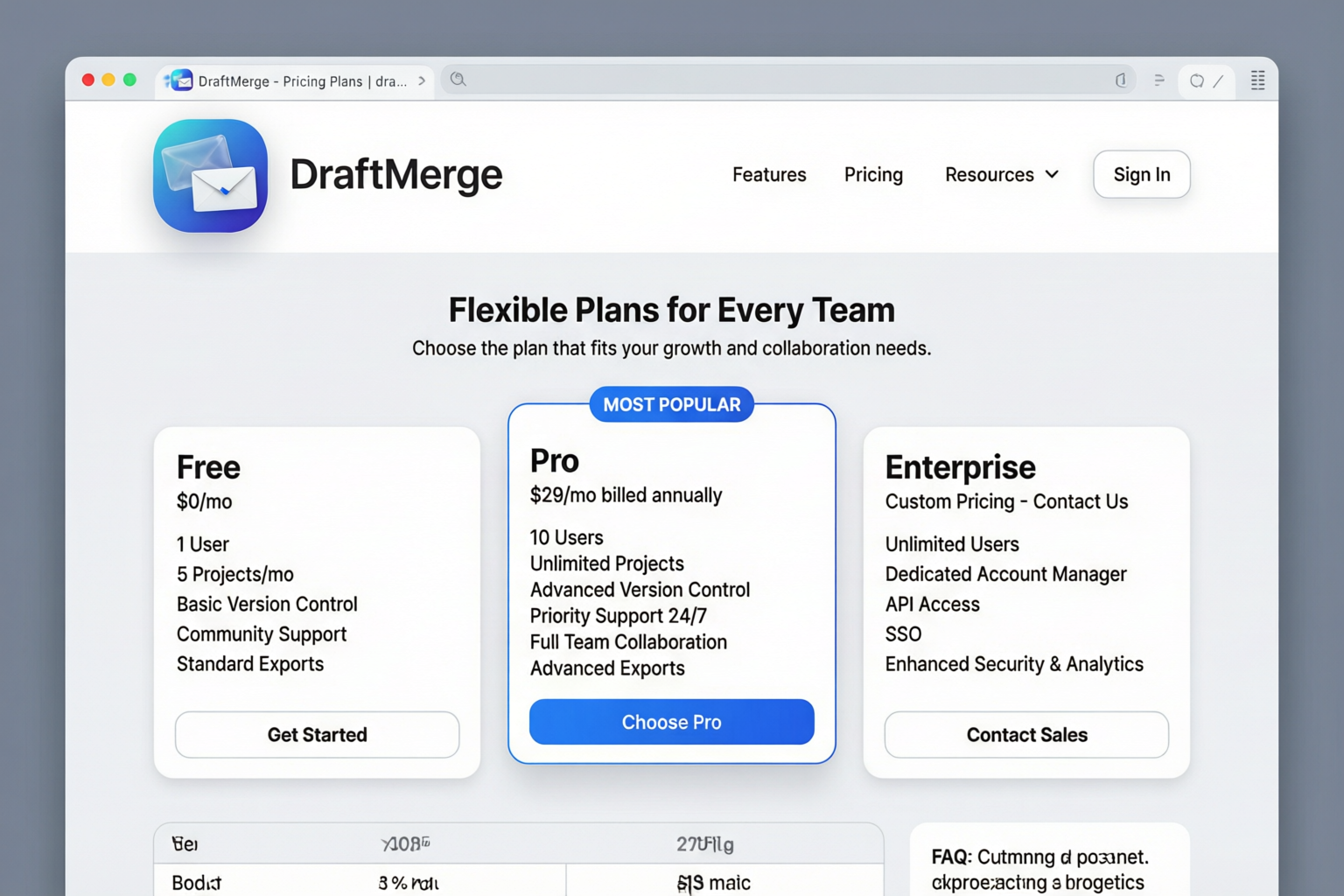
Choose the plan that fits your email outreach needs
Pricing Plans
DraftMerge offers flexible pricing to match your business needs. All plans include core features with varying limits and advanced capabilities.
Free
Perfect for getting started with email outreach
- Up to 50 emails per month
- 1 contact list
- Basic templates
- Standard support
- AI Icebreakers
- Advanced analytics
- Custom branding
Pro
Ideal for growing businesses and sales teams
- Up to 5,000 emails per month
- Unlimited contact lists
- Advanced templates with merge fields
- AI Icebreakers & Grammar Checker
- Priority email support
- Advanced analytics & reporting
- A/B testing
- Custom branding
Enterprise
For large teams with high-volume needs
- Unlimited emails
- Unlimited contact lists
- All Pro features
- Dedicated account manager
- Phone & chat support
- Custom integrations
- SLA guarantee
- Team management & roles
Subscription Management
Viewing Your Subscription
To check your current plan and billing details:
- Open the DraftMerge extension
- Click on Settings (gear icon)
- Select Subscription tab
- View your current plan, billing cycle, and usage
Upgrading Your Plan
To upgrade from Free to Pro or Enterprise:
- Go to Settings → Subscription
- Click Upgrade Plan
- Select your desired plan (Pro or Enterprise)
- Enter payment details via secure Paddle checkout
- Click Complete Upgrade
Your new plan takes effect immediately, and you'll receive a confirmation email.
Downgrading Your Plan
To downgrade to a lower-tier plan:
- Go to Settings → Subscription
- Click Change Plan
- Select the lower plan
- Confirm the downgrade
Canceling Your Subscription
To cancel your DraftMerge subscription:
- Go to Settings → Subscription
- Click Cancel Subscription
- Select a reason for cancellation (optional)
- Confirm the cancellation
What happens after cancellation:
- Your subscription remains active until the end of the current billing period
- You won't be charged again
- Your data is retained for 30 days in case you want to reactivate
- After 30 days, your account reverts to the Free plan
Payment & Billing
Payment Methods
DraftMerge accepts the following payment methods:
- Credit/Debit Cards: Visa, Mastercard, American Express, Discover
- PayPal: Secure PayPal checkout
- Bank Transfer: Available for Enterprise plans (annual billing only)
All payments are processed securely through Paddle, our payment partner.
Billing Cycle
DraftMerge offers flexible billing options:
| Billing Frequency | Discount | Commitment |
|---|---|---|
| Monthly | None | Cancel anytime |
| Annual | 20% off | 12-month commitment |
Invoices & Receipts
To view or download your invoices:
- Go to Settings → Subscription
- Click Billing History
- Select the invoice you want to view
- Click Download PDF or View Online
You'll also receive email receipts for every payment.
Updating Payment Method
To update your credit card or payment details:
- Go to Settings → Subscription
- Click Update Payment Method
- Enter your new payment details
- Click Save
Your new payment method will be used for all future billing.
Renewal & Expiration
Automatic Renewal
All DraftMerge subscriptions auto-renew at the end of each billing cycle:
- Monthly plans: Renew on the same date each month
- Annual plans: Renew on the same date each year
You'll receive an email reminder 7 days before renewal.
Renewal Failure
If payment fails on renewal:
- Day 1: Payment attempt fails, email notification sent
- Day 3: Second automatic payment attempt
- Day 7: Third and final payment attempt
- Day 8: Subscription is suspended
Subscription Expiration
If your subscription is canceled or expires:
- You lose access to premium features immediately
- Your account reverts to the Free plan
- Your data (contacts, templates, campaign history) is retained for 30 days
- After 30 days, data associated with premium features is deleted
- You can reactivate at any time to restore access
Reactivating Your Subscription
If you canceled and want to subscribe again:
- Go to Settings → Subscription
- Click Reactivate Subscription
- Choose your plan (Free, Pro, or Enterprise)
- Enter payment details
- Click Complete Reactivation
Your premium features are restored immediately.
Refund Policy
DraftMerge offers a 14-day money-back guarantee for all new subscriptions:
- If you're not satisfied within the first 14 days, contact support for a full refund
- Refunds are processed within 5-10 business days
- After 14 days, no refunds are provided for partial billing periods
- Annual subscriptions: Prorated refunds available within the first 30 days
To request a refund, visit our Support Page or email support@softcofee.com.
Taxes & Compliance
All prices are exclusive of applicable taxes. Taxes are calculated based on your billing address and local regulations:
- US Customers: Sales tax applied where applicable
- EU Customers: VAT applied based on your country
- Other Regions: Local taxes applied as required by law
Tax amounts are clearly displayed during checkout and on your invoice.
Troubleshooting
Payment Declined
If your payment is declined:
- Check your card details (number, expiration, CVV)
- Ensure sufficient funds are available
- Contact your bank to authorize the transaction
- Try a different payment method
Incorrect Billing Amount
If you were charged the wrong amount:
- Check your billing history in Settings → Subscription
- Verify you didn't upgrade or add services
- Check if annual discount was applied correctly
- Contact support with your invoice number
Can't Access Premium Features
If you upgraded but can't access premium features:
- Refresh the page (F5 or Ctrl+R)
- Log out and log back in to the DraftMerge extension
- Check your subscription status in Settings → Subscription
- Clear browser cache and cookies
- Contact support if the issue persists
Need to Change Billing Frequency
To switch from monthly to annual billing (or vice versa):
- Go to Settings → Subscription
- Click Change Billing Frequency
- Select your preferred frequency (Monthly or Annual)
- Confirm the change
Note: Switching to annual billing applies a 20% discount immediately. Switching from annual to monthly takes effect at the end of your current annual term.